
TL;DR

Get business pricing on tech for your team
- Business-only prices and quantity discounts
- Tax-exempt purchasing
- Multiple users, one account, clear invoices
ComfyUI has introduced Day-0 support for MiniMax H3, including open weights, native audio, and 2K video support. This update expands the model’s versatility for AI art and multimedia workflows.
ComfyUI has officially released Day-0 support for the MiniMax H3 model, integrating open weights, native audio, and 2K video capabilities. This marks a major step forward in AI image and multimedia generation, enabling users to access the latest model features immediately after release.
The update allows users to run MiniMax H3 directly within ComfyUI without waiting for additional support or plugins. Notably, the support includes open weights, allowing community-driven modifications and transparency in model architecture. The integration of native audio enables audio generation and processing directly within the interface, while 2K video support enhances high-resolution video synthesis, a significant upgrade for multimedia creators.
Sources confirm that this support was released concurrently with the official MiniMax H3 launch, emphasizing ComfyUI’s commitment to rapid integration of new models. The update is accessible through the latest version of ComfyUI, with detailed instructions provided on the official GitHub repository.
Implications for AI Art and Multimedia Creation
This development is significant because it broadens the scope of AI tools available to artists, developers, and content creators. Open weights foster community experimentation and customization, potentially accelerating innovation. Native audio and 2K video support position ComfyUI as a versatile platform capable of handling complex multimedia projects, which could influence workflows in digital art, video production, and AI research. The immediate support at Day-0 also underscores the rapid pace of AI model deployment and integration within user-friendly interfaces.
As an affiliate, we earn on qualifying purchases.
MiniMax H3 and ComfyUI: Recent Trends and Developments
MiniMax H3 is part of a series of models focusing on high-quality image synthesis and multimedia capabilities. Its release followed a trend toward open-source, community-supported AI models that prioritize transparency and flexibility. ComfyUI, a popular node-based interface for AI image generation, has consistently aimed to support emerging models quickly, fostering an ecosystem of accessible AI tools. Previous updates have added support for other models and features, but the inclusion of native audio and high-resolution video at launch is a new milestone.
Historically, support for multimedia features in AI platforms has been incremental, often requiring separate tools or plugins. The immediate inclusion of these capabilities in ComfyUI indicates a shift toward more integrated, all-in-one solutions for AI content creation.
“Our goal is to provide immediate, comprehensive support for the latest models like MiniMax H3, enabling users to leverage new features without delay.”
— ComfyUI Development Team
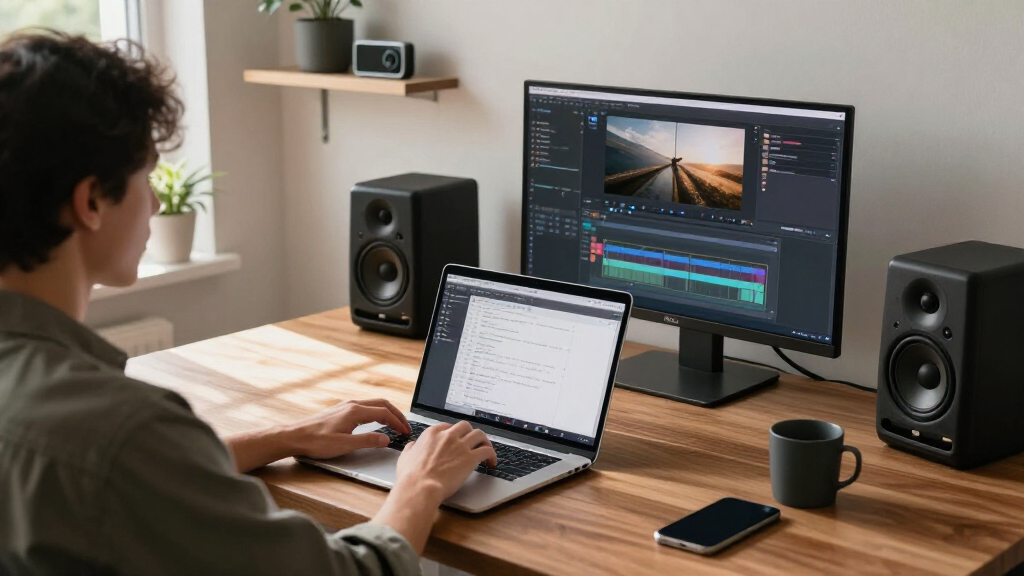
high resolution video editing monitor
As an affiliate, we earn on qualifying purchases.
As an affiliate, we earn on qualifying purchases.
Remaining Questions About MiniMax H3 Support
It is still unclear how stable the new features are across different hardware configurations, or how they perform under demanding workloads. Details on the full range of supported video resolutions beyond 2K, and the scope of native audio capabilities, are still emerging. Additionally, the extent of community modifications enabled by open weights remains to be seen, including potential security or compatibility issues.
As an affiliate, we earn on qualifying purchases.
Future Developments and Community Feedback
The next steps include monitoring user feedback on stability and performance, as well as potential updates to improve support for higher resolutions or additional audio features. Developers are expected to release further documentation and tutorials to help users maximize the new capabilities. Community-driven modifications and custom models using open weights are likely to expand rapidly, shaping the evolution of MiniMax H3 in the coming months.
As an affiliate, we earn on qualifying purchases.
Key Questions
What is MiniMax H3?
MiniMax H3 is a recently released AI model designed for high-quality image synthesis, now supporting multimedia features like native audio and 2K video within ComfyUI.
What does open weights mean for users?
Open weights allow the community to access, modify, and customize the model’s architecture, fostering experimentation and transparency.
How does native audio support benefit creators?
Native audio support enables users to generate and process audio directly within ComfyUI, streamlining multimedia workflows.
Is 2K video support standard in AI models?
Support for 2K resolution is a significant enhancement, allowing high-resolution video synthesis, but performance may vary depending on hardware.
When will more features or updates be available?
Future updates are expected to improve stability, add higher resolutions, and expand multimedia capabilities, with community feedback guiding development.
Source: hn
Fall Picks
fall essentials
As an affiliate, we earn on qualifying purchases.